-
Merit Badges
- Legend to identify Merit Badges
- 1910 British Merit Badges
- Square 1911 - 33
- Wide Crimped 1934 & 35
-
Narrow Tan Crimped 1936 - 42
- Tan Heavyweight Cloth with Silk Embroidery and Printed Back 1936 - 37
- Tan Heavyweight Cloth with Silk Embroidery and Plain Back 1937 - 38
- Tan Lightweight Cloth with Silk Embroidery and Plain Back 1938 - 39
- Tan Lightweight Cloth with Cotton Continuous Loop Embroidery and Plain Back 1939 - 42
- Tan Lightweight Cloth with Cotton Lockstitch Embroidery and Plain Back 1939 - 42
- Blue Background 1942 - 46
- Wartime 1942 - 46
- Khaki Narrow Crimped 1946 - 59
- Green Twill Gauze Back 1960 - 68
- Fully Embroidered Merrowed Edge 1960 - 72
- Unprinted Plastic Back 1972 - 01
- Printed Plastic Back 2002 - Current
-
Merit Badge Paper
- Merit Badge Applications
- Merit Badge Cards
-
Merit Badge Pamphlets
- Type 1 White Cover - Rectangle Drawing On Cover
- Type 2 White Cover 5-375" x 8" Title at Top
- Type 3A Tan Cover - 200 Fifth Avenue
- Type 3B Tan Cover - 2 line address New York City
- Type 3C Tan Cover - 2 line address New York N.Y.
- Type 3D Tan Cover - 1 line address New York N.Y.
- Type 4 Standing Scout Cover
- Type 5A War Cover
- Type 5B Red and White
- Type 6 Photo-Red Cover
- Type 7 Full Photo Cover or Bulls-eye Cover
- Type 8 Full Photo - Green Stripe Cover
- Type 9 Full Photo - Red Stripe Cover
- Type 10A Blue Stripe - Logo above bottom blue stripe - FDL centered
- Type 10B - Blue Stripe in bottom of photo area. FDL to left of text
- Special Covers
- Boy Craft Helps
- Merit Badge Counselor's Guides
-
Youth Position
- Junior Assistant Scoutmaster
- Senior Patrol Leader
- Assistant Senior Patrol Leader
- Patrol Leader
- Assistant Patrol Leader
- Troop Guide
- Scribe
- Quartermaster
- Instructor
- Chaplain Aide
- Den Chief
- Librarian
- Musician
- Webmaster
- Bugler
- Troop Historian
- Troop Representative
- Unit Representative
- Leadership Corps
- Honor Guard
- Leave No Trace Trainer
- Outdoor Ethics Guide
-
Patrol Medallions
- Patrol Medallions Introduction
- Legend to identify Patrol Medallions
- Patrol Shoulder Knot-Ribbons
- Felt Handmade Patrol Medallions
- Square Felt Patrol Medallions
- Round Broadcloth Patrol Medallions
- Red Twill Patrol Medallions
- Multi-Color Cloth Patrol Medallions
- Tan Cloth Patrol Medallions
- Patrol Medallion Back Patches
- Woodbadge Patrol Medallion
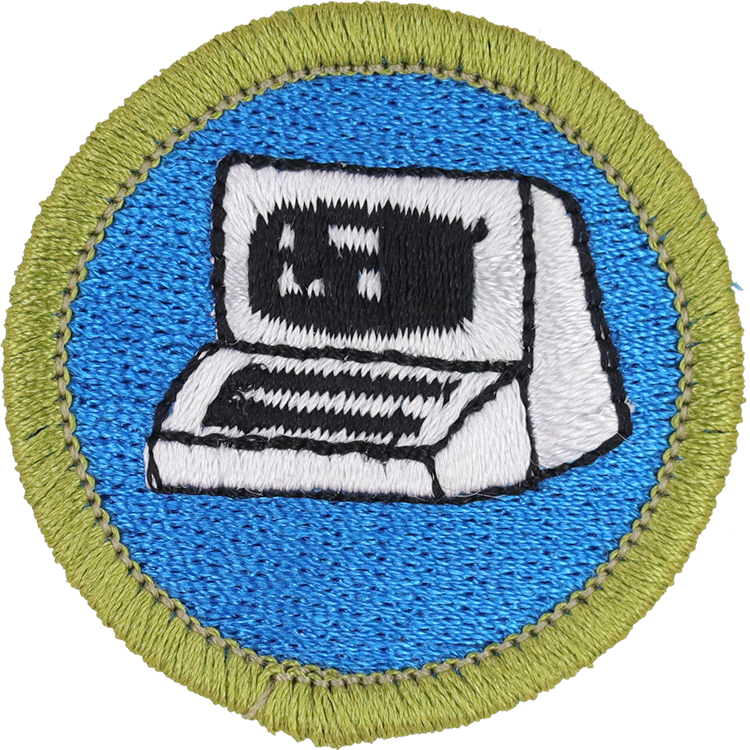
Fig. 1: Comput-L1-Front
- Embroidery: Rayon thread
- Border: Merrowed
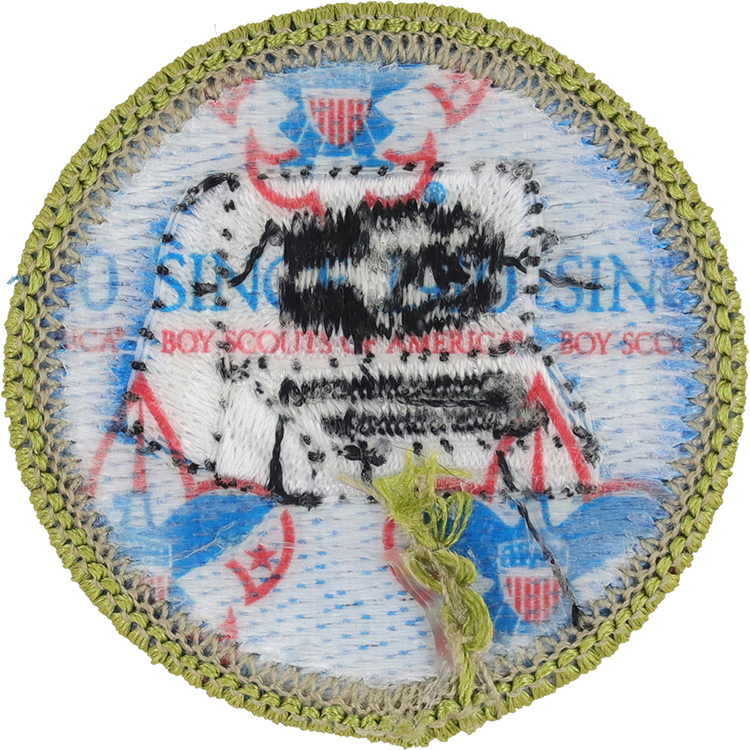
Fig. 2: Comput-L1-Reverse
- Back: Since 1910 imprint with large Tenderfoot image
Item Name: Computers 2014
Item ID: Comput-L1
Collector Rating: 1
Pamphlets Used to Earn this Badge

Requirements January 2010 until January 2015
1. Discuss with your counselor the tips for online safety.
2. Give a short history of the computer. Explain how the invention of the computer has affected society and science and technology.
3. Do the following:
- Describe four uses of computers outside your home.
- Describe three ways you and your family could use a personal computer other than for games and entertainment.
4. Explain the following to your counselor:
- The five major parts of a computer
- How text, sound, pictures, and video files are stored in a computer’s memory
- How file compression works and how compression affects the quality of the file
- Describe two computer chip-based devices, and describe how they are “smarter” because of the chip and its program.
5. Do the following:
- Explain what a program or software application is and how it is developed.
- Name three programming languages and describe their uses.
- Name four software packages you or your family could use, and explain how you would use them.
- Discuss ways you can help protect a computer from viruses and how to protect the information stored on a computer.
- Describe how computers are linked to generate and access the Internet and the World Wide Web.
6. Do THREE of the following:
- Using a spreadsheet program, develop a food budget for a patrol weekend campout.
- Using a word processor, write a letter to the parents of your troop’s Scouts, inviting them to a court of honor.
- Using a computer graphics program, design and draw a campsite plan for your troop.
- Using a computer graphics program, create a filer for an upcoming troop event, incorporating both text and some type of visual such as a photograph or illustration.
- Using an Internet search engine (with your parent’s permission), find ideas about how to conduct a troop court of honor or campfire program. Print out a copy of the ideas from at least three different Web sites. Shae what you found with your counselor, and explain how you used the search engine to find this information.
- Using a presentation software program of your choice, develop a report about a topic that has been approved by your counselor. For your presentation, create at least 10 slides.
- Using a digital camera, take a picture of a troop activity. Transfer the picture file to a computer and use photographic software to make it small enough to send easily as an e-mail attachment. Then, using a computer connected to the Internet (with your parent’s permission), send an e-mail to someone you know. In your message, include the photograph as an attachment. Verify that the person received your e-mail and was able to view the attachment.
- Using a database manager, create a troop roster that includes the name, rank, patrol, and telephone number of each Scout. Show your counselor that you can sort the register by each of the following categories: rank, patrol, and alphabetically by name.
7. Do ONE of the following:
- Using a database program of your choice, create a troop roster that can be sorted by the name, rank, patrol, and telephone number of each Scout. Create a form within the database manager to access each Scout’s information individually. Show your counselor how the form works.
- Using a software package of your choice for computer-aided design (CAD), create an engineering-style drawing of a simple object. Include the top, bottom, and at least one side view and the dimensions.
- Create a blog and use it as an online journal of your Scouting activities, including group discussions and meetings, campouts, and other events. Your blog should have at least five entries and two photographs or Illustrations. You need not post the blog to the Internet, but you will need to share it with your counselor. If you decide to go live with your blog, you must first share it with your parents AND counselor and get their approval.
- Create a Web page for your troop, patrol, school, or place of worship. Include at least three articles and two photographs or illustrations. Your Web page should have at least one link to a Web site that would be of interest to your audience. You need not post the page to the Internet. However, if you decide to do so, you must first share it with your parents AND counselor and get their approval.
- Visit a business or an industrial plant that uses computers. Observe what tasks the computers accomplish, and be prepared to discuss what you have learned.
8. Explain the following to your counselor;
- Why copyright laws exist
- Why it is not permissible to accept a free copyof a paid, copyrighted computer game or program from a friend unless the game or program is considered freeware or shareware. Explain the concepts of freeware and shareware.
- The restrictions and limitations of downloading music fron the Internet.
9. Find out about three career opportunities in the computer industry. Pick one and find out the education, training, and experience required for this profession. Discuss this with your counselor, and explain why this profession might interest you. Report what you learn to your counselor.